Built by someone who runs their whole job out of WhatsApp
I got tired of scrolling for things I already had.
Account details, pricing, the copy we agreed on, the reply I owed three days ago — all of it was in
WhatsApp somewhere, and finding any of it meant ten minutes of scrolling. WACompanion is what I built to
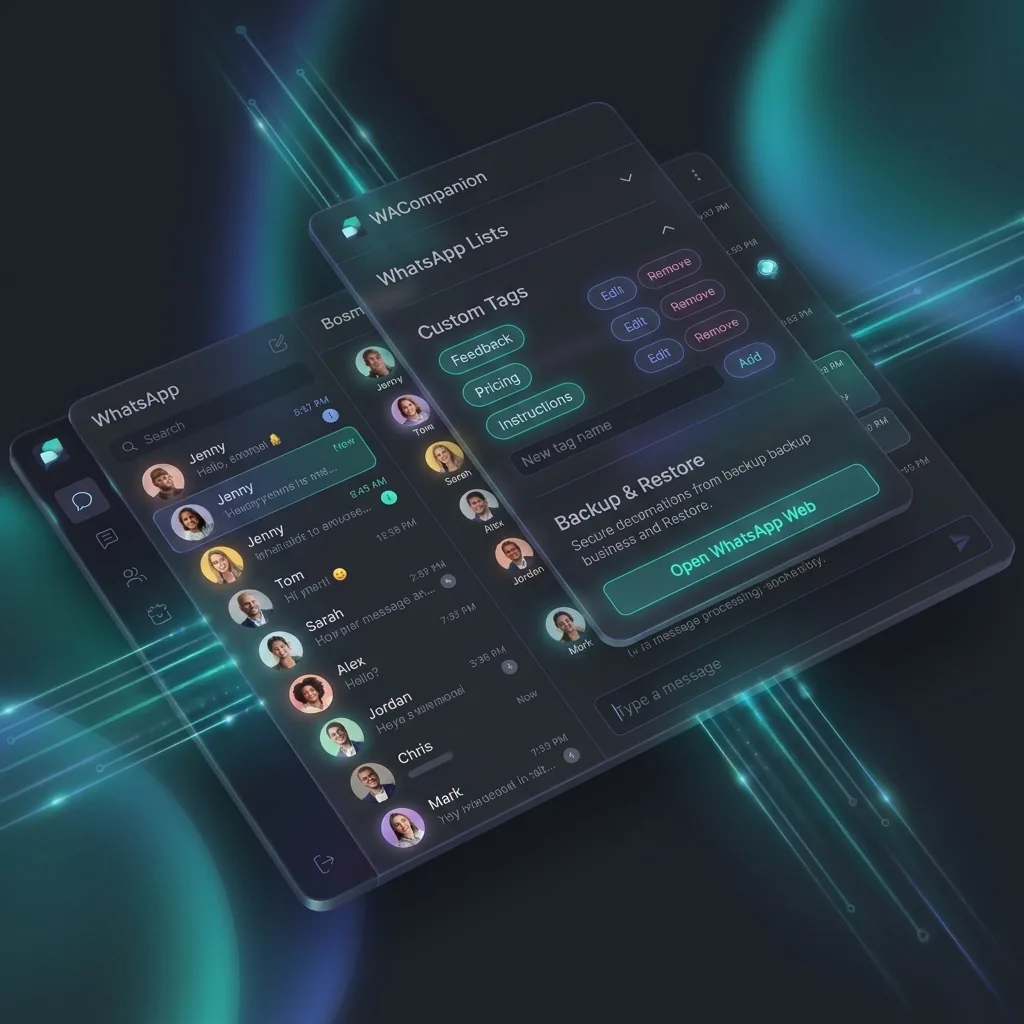
stop doing that. A free Chrome extension that adds tags, colour-coded Lists, saved replies, reminders and
search that actually works, inside the WhatsApp Web you already have open.
No account. No sign-up. Nothing leaves your computer — these are my own chats too.
Everything stored on your device
No account to create
No automation, no bulk sending
Works inside WhatsApp Web
The Evolution of a Toolkit
None of this started as a product. It started as a list of frictions that cost me time
every single day. Here is how I solved them.
The friction
“Send me the account details for the client dashboard.” It is in there somewhere — three months back, between a photo and a voice note. Ten minutes of scrolling, every time.
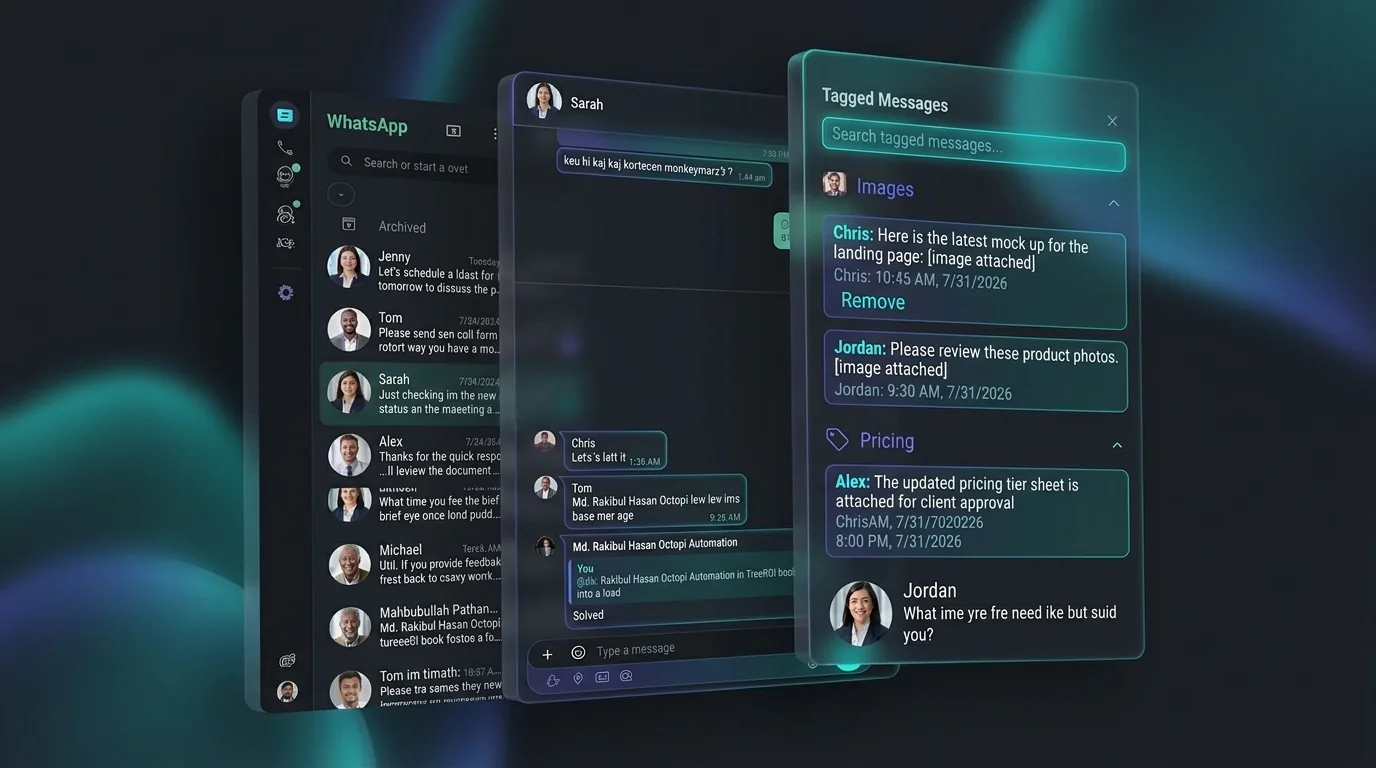
Message Tags
Now I tag it the moment it arrives — account IDs, pricing, the copy we signed off on — and pull every tagged message up from one place.
The friction
“Attendance in the group before 10, please.” Every morning. Finding yesterday’s message to copy meant scrolling back past a whole day of conversation.
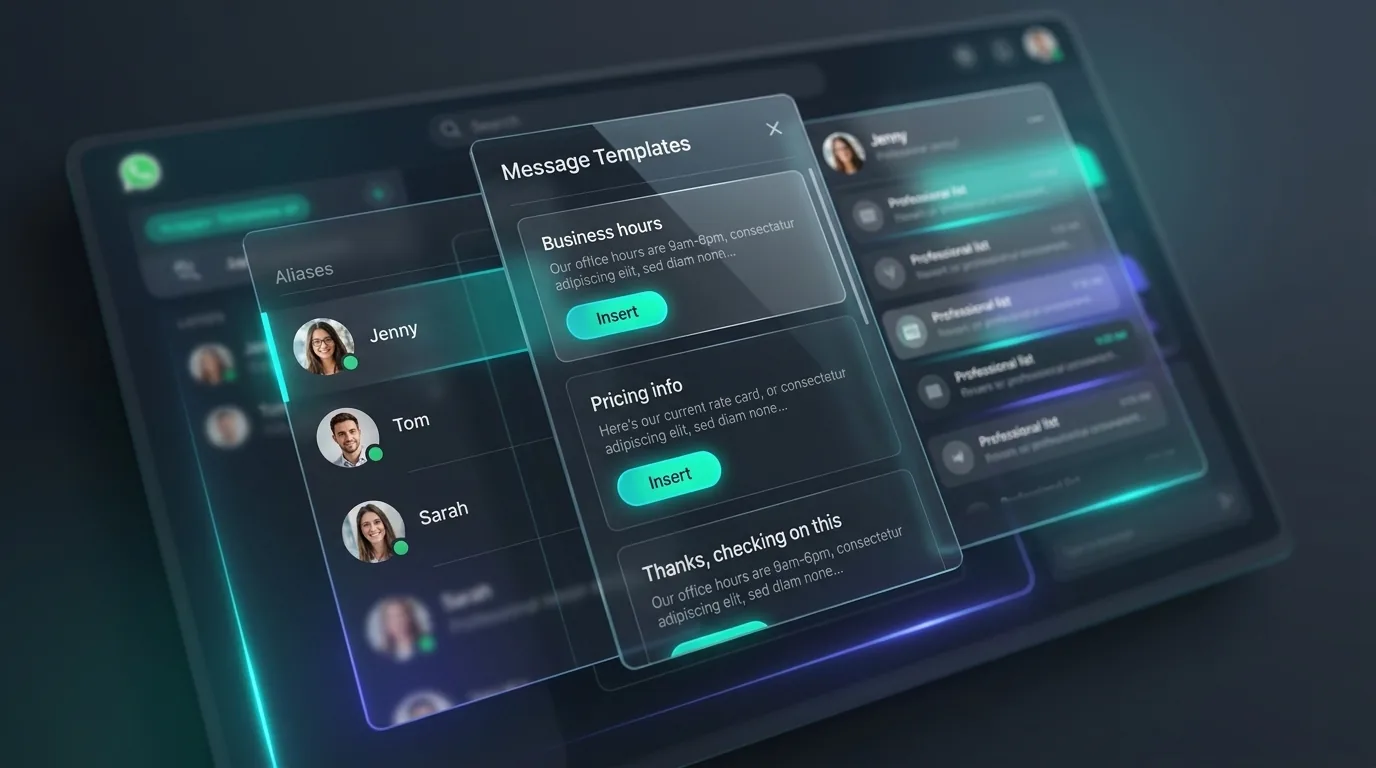
Templates
Now it is a saved reply I drop in with a right-click. Once is fine. Every morning for a year is not.
The friction
“What did we end up quoting the client who asked for a refund?” I know the conversation. I cannot remember one word of it — and WhatsApp only finds the words you type.
AI Search
Search that understands “the client who wanted a refund last month”. It indexes quietly as you read, and on the desktop app the model runs on your own machine.
The friction
“Why is this one on different pricing?” Because of something we agreed on a call that was never typed into any message.
Chat Notes
Now every chat has a notepad attached to it — what we actually settled on, the link to the spec, why this one client is an exception.
The friction
“Any update on this?” Three days after it quietly fell off the bottom of six other conversations.
Reminders
Now I set a reminder on the chat and get a notification when it is due. Nothing is ever sent to the other person.
The friction
“Can you pick this up from home tonight?” Every tag and note I had made was stranded on the office machine.
Local Sync
Now I export one encrypted file and import it on the other side. No cloud account in the middle holding my conversations.
The friction
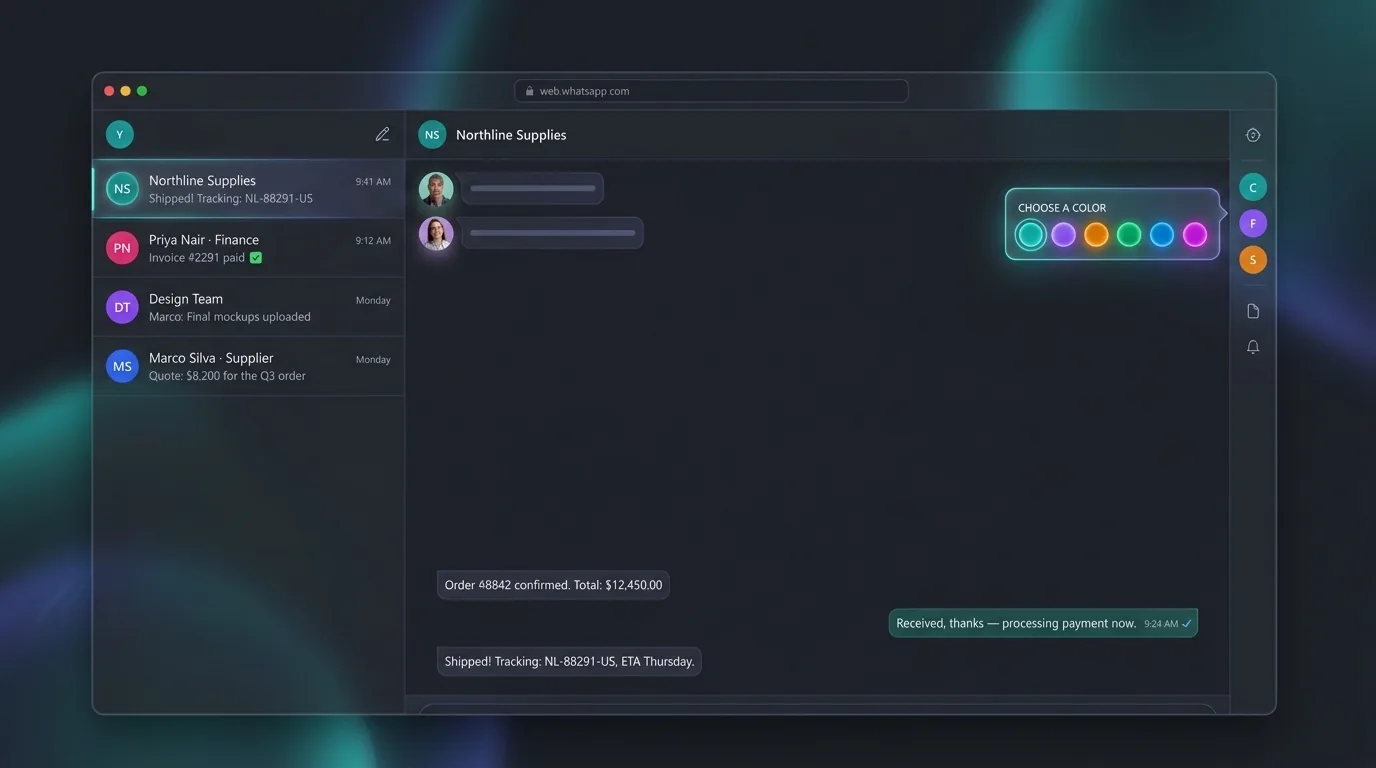
“▾ 5 more lists” — a quick jump costing two clicks and five labels that all look identical.
Visual Lists
Give each one a colour and you find the right one by shape, before you have read a word.
The friction
“Loading your chats…” — and nothing at all to look at while WhatsApp Web wakes up.
Loading UI
A steam engine chugs along until your chats are ready. It does not make anything load faster. It is just less boring.
I built every one of these for myself, and I still use all of them daily. This is not a
startup’s guess at what you might want — it is one person’s actual toolkit,
shared in case your WhatsApp looks anything like mine.
The four I reach for most.
All of it lives inside WhatsApp Web. Nothing to migrate, no second app to keep checking.
Colored Lists
WhatsApp already has Lists — buried in a cramped dropdown with no color. WACompanion puts them in a real sidebar, gives each one a color you choose, and lets you hide the ones you never use.
Search in plain language
Desktop app
Describe what a message was about instead of guessing the exact words someone used. Searches your tagged messages, notes and every chat you've viewed — and the model runs entirely on your machine, so nothing is uploaded.
Tag the messages that matter
Mark a login, a price, an address or a promise with a color-coded tag, then pull every one of them up from any chat later. The details you need are never the ones you can remember the wording of.
Templates & reminders
Save the replies you retype every day and drop them in with two clicks. Set a reminder on a chat you owe an answer to, and get a notification when it's due instead of rediscovering it a week later.
Plus a screen-share privacy mode, per-chat notes, and a right-click menu that tags, copies and saves templates without leaving the conversation.
See the full feature list →
WhatsApp Web was never built for business.
Plenty of WhatsApp tools exist. Here is what makes this one different.
01
WhatsApp Web was never built for work
One flat list, no colour, no way to mark a message you will need on Thursday. If you run a job through WhatsApp, you are the index — every detail lives in your head until you need it. I got tired of being that index. WACompanion puts it on the screen instead.
02
Your chats stay on your device
Lists, tags, templates, reminders and notes are stored locally — in your browser, or on your machine for the desktop app. There is no account to create and no server holding your conversations. Even the desktop app's search model runs offline, on your own hardware.
03
Nothing is ever sent automatically
No bulk sending, no auto-replies, no scheduled blasts. Tools that do those things put your number at risk of being banned. WACompanion only organizes what is already in front of you — every message still gets sent by you, deliberately.
04
Updates keep pace with WhatsApp
WACompanion reads WhatsApp Web's own page structure, and WhatsApp rewrites that structure without warning. Keeping up with it is ongoing work — which is exactly what a subscription pays for, rather than a one-time download that quietly rots.
Pricing: free to start, $8.99 to remove the caps.
Free forever with generous limits. The desktop app removes every cap and adds on-device search.
Free Extension
Every feature, with limits most people never reach.
Cancel any time. Try the free extension first — it is the same product with limits.
Frequently asked questions
Wait — I thought WhatsApp didn't have "Lists"?
It does. Click the "▼" next to Groups above your chat list, then "+ New list". WhatsApp built the feature but gave it no color and a cramped dropdown. WACompanion doesn't reinvent your chat organization — it makes WhatsApp's own version of it visible, colorable and reachable from a real sidebar.
Is my chat data ever sent to a server?
No. List colors, tags, templates, reminders and notes are stored locally in your browser, or on your device for the desktop app. Your messages never leave your machine. The desktop app's search model is bundled with the app and runs on your own hardware — nothing is uploaded to be searched.
What's the difference between the free extension and the desktop app?
Every feature works in the free extension — it just caps how many of each you get: 10 custom tags, 10 templates, 5 colored Lists and 5 active reminders. The desktop app removes all four caps and adds plain-language search, which the extension genuinely cannot do: that needs a local model the browser has no way to run inside WhatsApp Web.
What happens to my tags and templates if I stop subscribing?
Nothing you have created is ever deleted. If you go back to the free tier with more than it allows, the extra items are paused, not removed — and you pick which ones stay active:
Messages you already tagged keep their tags. They still show, and still turn up in search. Your own notes on your own chats are not something we take away.
Reminders you already set still fire. A reminder is a promise to someone else; we are not going to make you miss one because a card expired. Only new ones over the cap are refused.
A paused tag cannot be put on new messages. A paused template cannot be inserted, but stays listed and readable so you can copy it by hand. A paused List colour goes back to the default — the List itself is WhatsApp’s own and is untouched.
You choose which stay active, not us. Tags default to the ones you use most. Resubscribe and everything unpauses instantly, exactly as you left it.
Do I need an account?
No. Install the extension and it works immediately — there is no sign-up, no email required and no profile. The desktop app is unlocked with a license key sent to you at purchase, which is the only identifier involved.
Can this get my WhatsApp account banned?
WACompanion does not automate your account. It sends no messages, replies to nothing on your behalf and performs no bulk actions — the behaviours WhatsApp actually acts against. It only adds organization on top of the interface you are already using, and every message is still sent by you.
Why a subscription instead of a one-time purchase?
Because WACompanion isn't a finished artifact that can be sold once and left alone. It works by reading WhatsApp Web's own page structure, and WhatsApp changes that structure periodically without warning. A one-time payment wouldn't fund the ongoing work of catching those changes and shipping fixes before something breaks for you.
What's your refund policy?
14 days from your first charge, no questions asked. Rather than make you open another page to find that out, here is exactly what it means:
What you get back: the full amount you paid, including any VAT or sales tax collected at checkout. We do not deduct a processing fee.
What you have to justify: nothing. We ask what did not work so we can fix it, but the refund does not depend on your answer.
How to ask: email hello@cleverworkaround.com with the address you used at checkout and the order number from your Creem receipt. We reply within 2 business days; the money reaches your original card in 5–10 business days.
After the first 14 days: renewal charges are looked at case by case, particularly a month you clearly did not use. The reliable route is to cancel before your renewal date so you are simply not billed again.
Cancelling: anytime, no notice period, through “Manage subscription” in your receipt email or by emailing us. You keep full access until the end of the period you have already paid for.
Your legal rights come first: if the app is faulty or not as described, UK and EU consumer law may entitle you to a refund well beyond 14 days. This guarantee sits on top of that, never instead of it.
You may not need any of this: the free extension has every feature — only the caps differ. Try it there first and pay only once a limit is costing you something.
The full wording, including chargebacks and what happens if we ever discontinue the app, is on our Refund Policy page.
Is WACompanion affiliated with WhatsApp or Meta?
No. WACompanion is an independent, unofficial browser extension and desktop app. WhatsApp is a trademark of Meta Platforms, Inc.
Questions before you install?
Ask anything — a bug, a feature request, or whether this fits how you work. We read every message ourselves and reply within 1–2 business days.